Logo Design & Image Assistant
Two ways our in-house team helps: getting your logo production-ready, and turning an idea for a uniform into real apparel.
Artwork guidelines.
A few minutes getting your files right saves money and keeps your job moving. Proper artwork means cleaner results and faster turnaround — and rush orders can only be accepted with print-ready files.
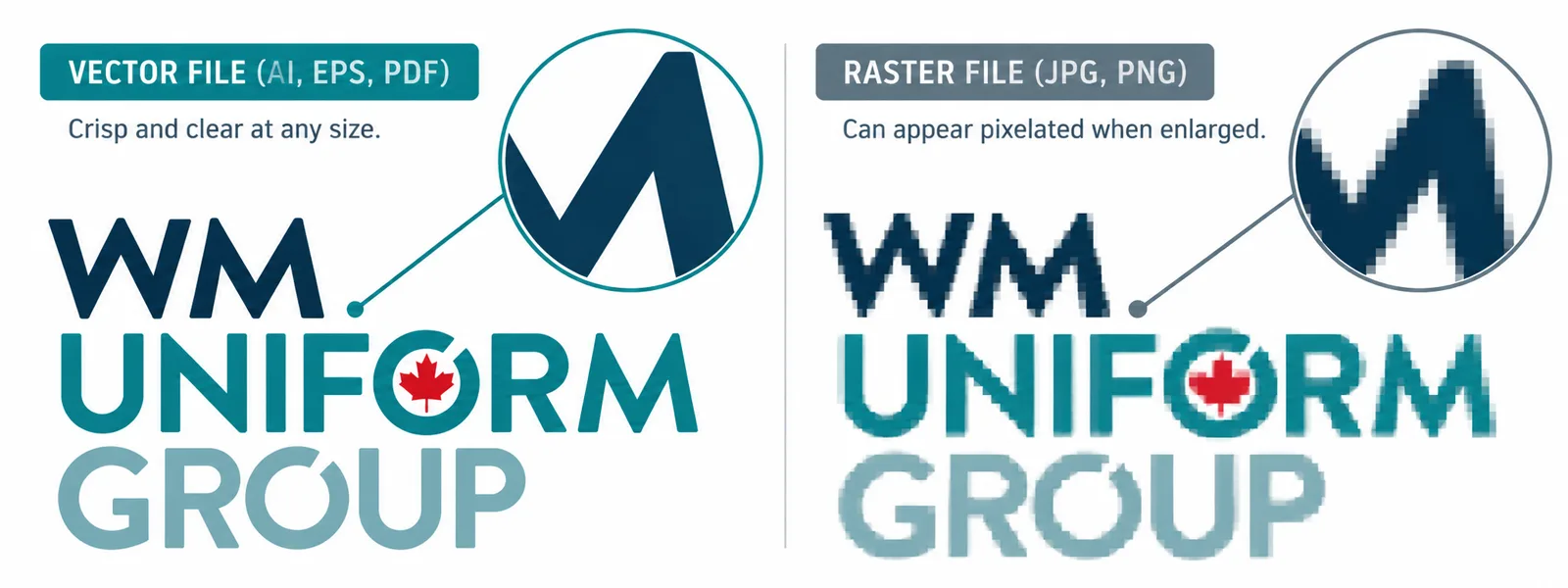
The difference is resolution: a vector file stays crisp at any size, while a raster file pixelates when it is enlarged for a garment.
Vector — preferred
Vector art scales to any size without losing sharpness — the best starting point for embroidery and screen print.
- Adobe Illustrator.AI
- Encapsulated PostScript.EPS
- Vector PDF.PDF
Raster — accepted
Pixel-based files must be 300 dpi at final size. JPEG and TIFF may incur an art fee if they need rebuilding.
- Photoshop.PSD
- High-res PDF.PDF
- JPEGart fee may apply.JPG
- TIFFart fee may apply.TIFF
Get your files production-ready.
- 01Build all raster or linked images at 300 dpi.
- 02Supply art at the exact size it should appear on the garment.
- 03Outline or rasterize every type layer so fonts don't reflow or substitute.
- 04When converting vector art to raster, turn anti-aliasing off.
- 05Include Pantone (PMS) references wherever colour accuracy matters.
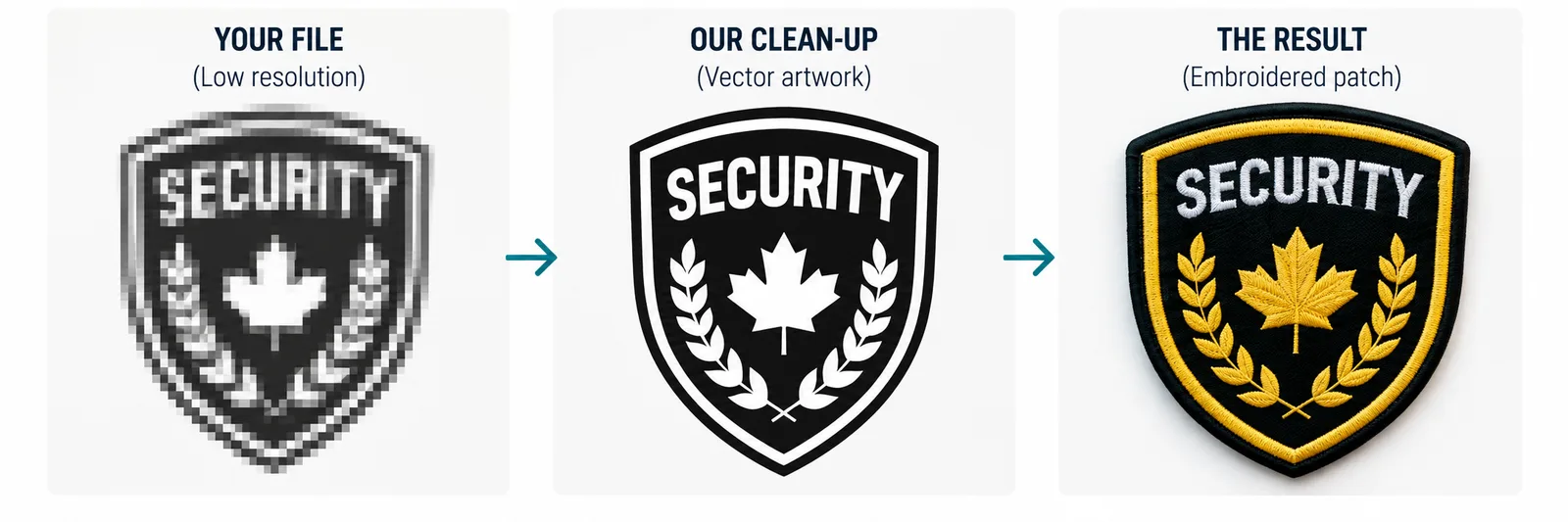
No print-ready art?
We'll design it or clean it up.
Send whatever you have — a sketch, an old crest, a low-res file — and our in-house team will get it print-ready. Not sure your files meet the specs above? Send them over and we'll check.
Design, develop, deliver.
How we bring your uniform ideas to life as real apparel.
- 01
Design
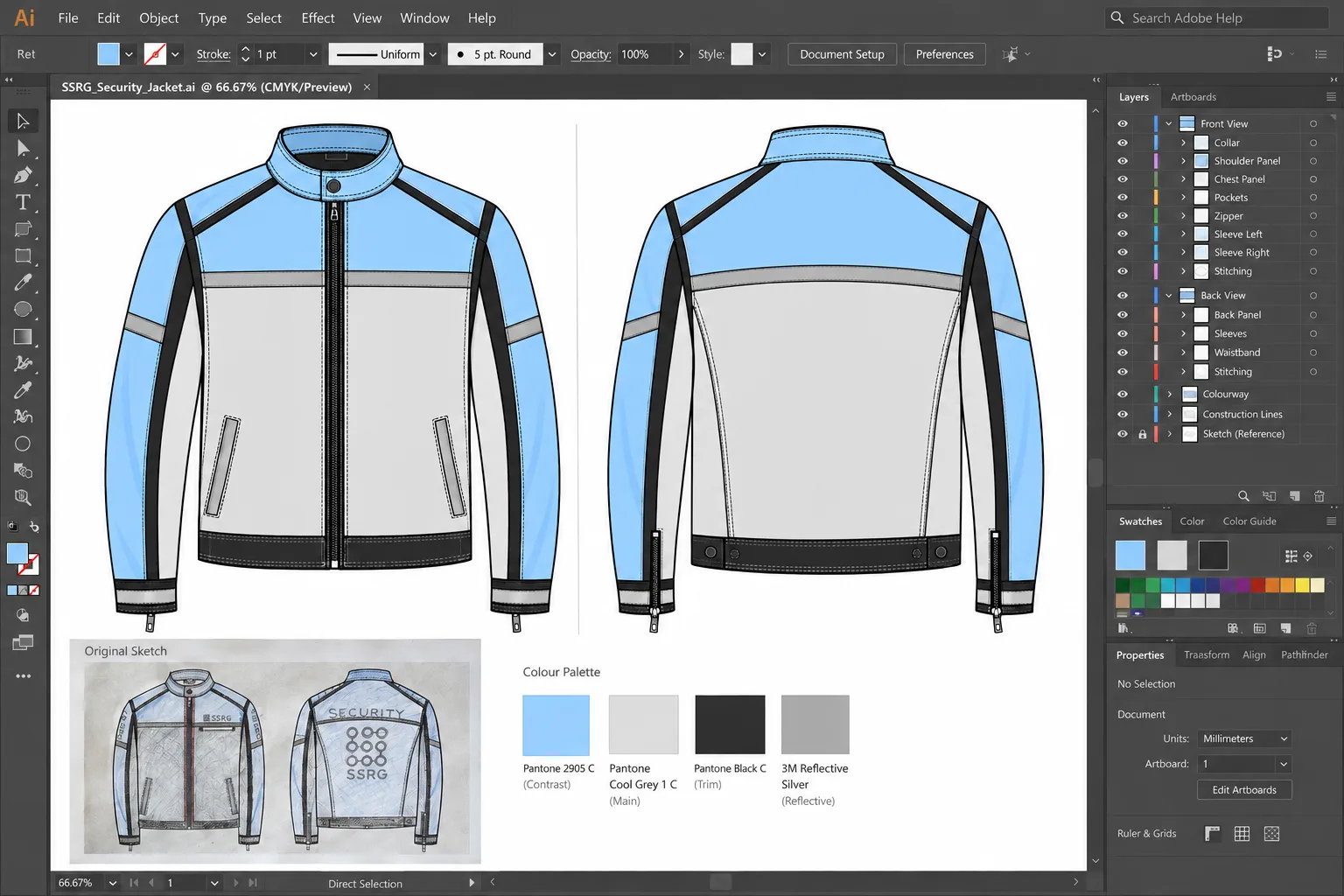
Bring us a sketch, a photo or a description. Our team turns it into a technical drawing with fabrics, colours, trims and reflective details specified.
- 02
Develop
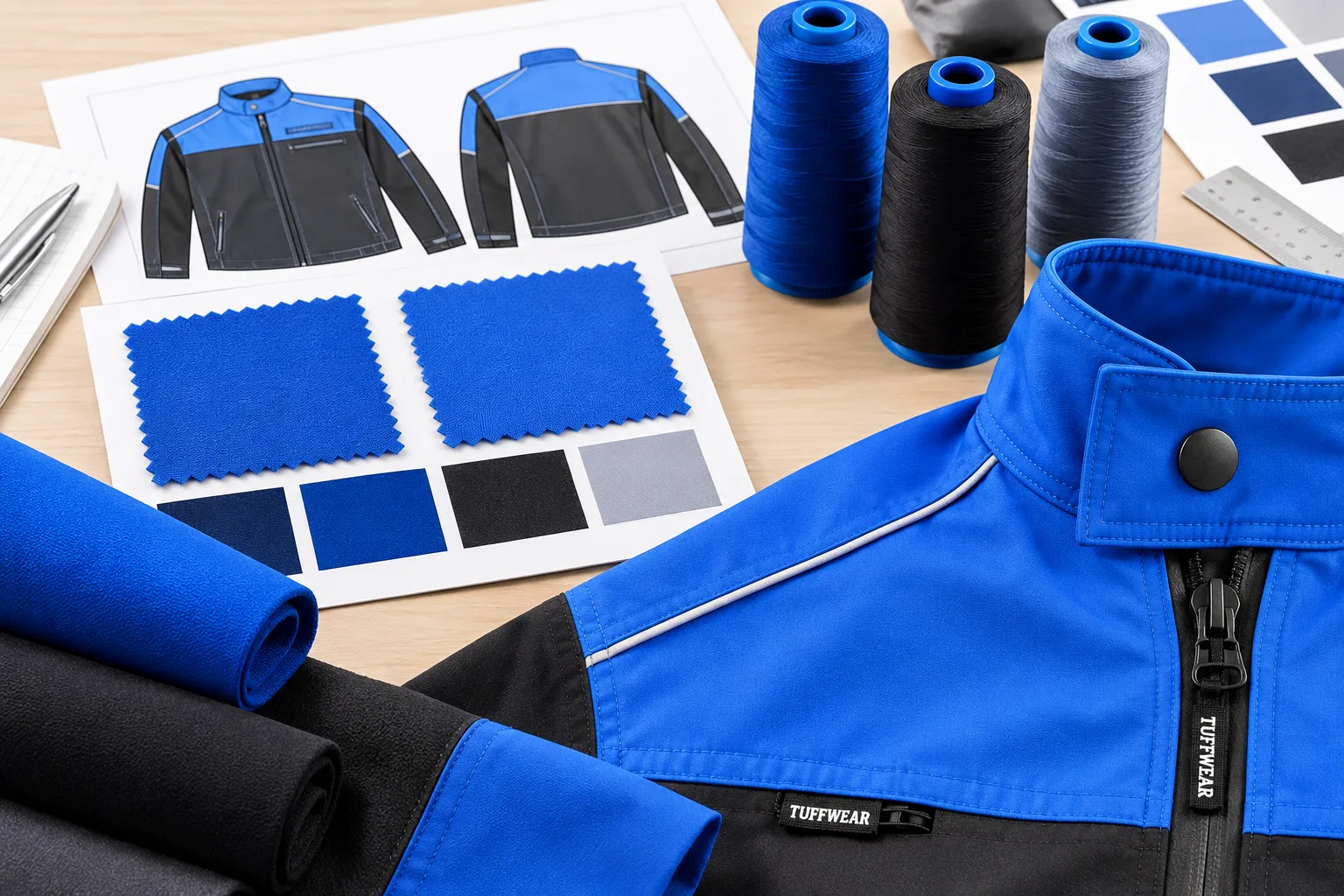
We source the fabrics and components, sew a sample, and refine the fit and details with you until it is right.
- 03
Deliver
The approved sample goes into production. Finished uniforms are decorated, packed and shipped from our Richmond warehouse.